Buying a cheap laptop isn't always easy, especially when comparing hardware, performance, and long-term value. It's sometimes hard to see why certain devices are cheaper, and others aren't. Here, we'll look at what you should be considering and how you can make a more informed decision.
Key Takeaways
- A laptop in New Zealand typically falls between $500 and $1,500, with price linked to RAM, processor, display quality, and overall performance
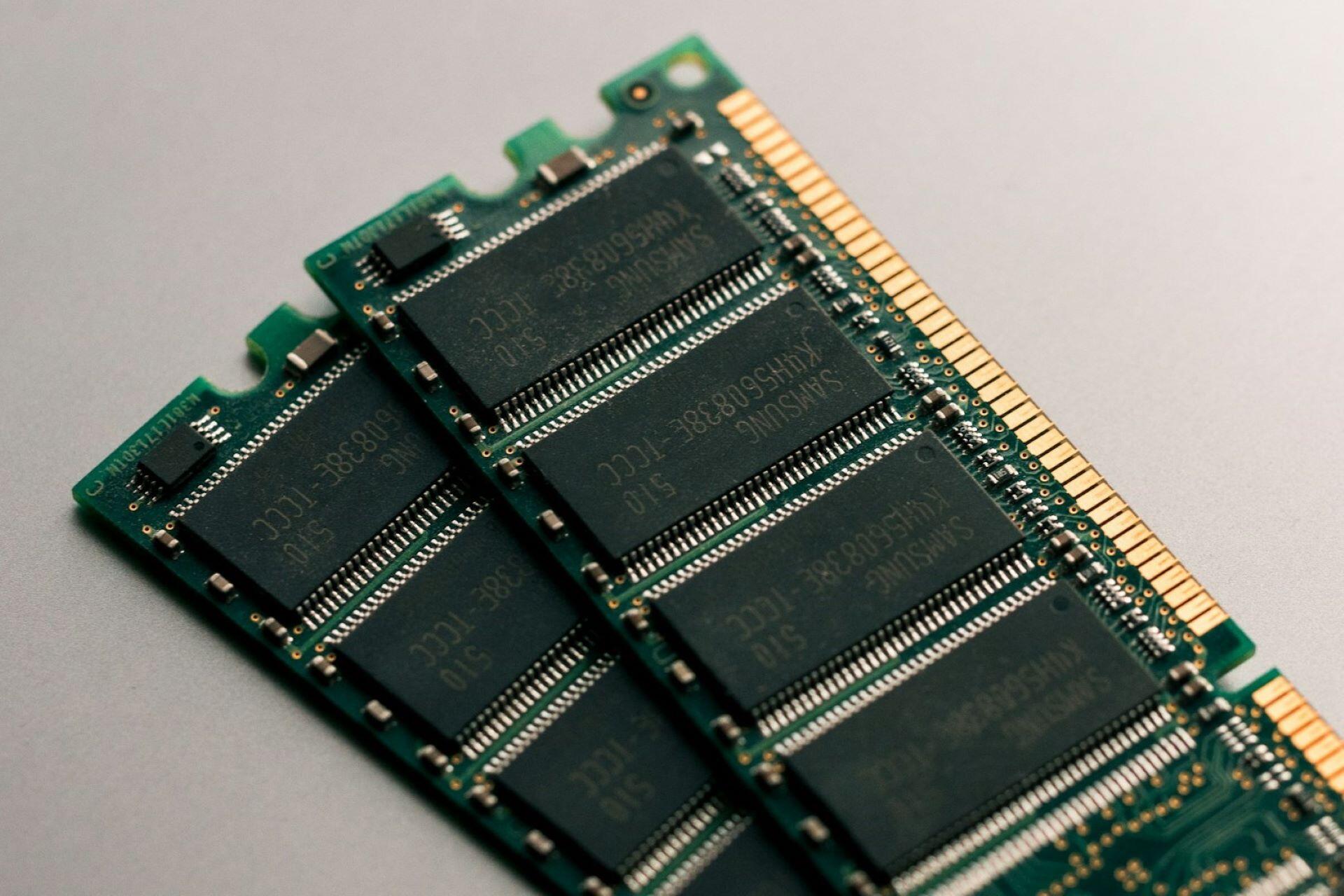
- For smooth everyday use, aim for at least 8GB RAM, SSD storage, and a modern Intel Core or AMD Ryzen processor to handle multitasking without slowdowns
- Screen size and display resolution matter more than expected, with 13–14 inch laptops offering portability and 15.6 inch models giving a more comfortable viewing experience
- Integrated graphics are enough for browsing and productivity, but stronger graphics performance may be needed for light gaming or creative tasks
- Battery life is a key factor, so look for a laptop that can last a full working day without needing to recharge
- Windows laptops support a wider range of software and hardware, while Chromebooks remain a simple option for basic tasks and online use
- Spending more upfront often means better performance, faster storage, and a device that will last longer without needing upgrades
- Refurbished laptops can offer solid hardware, reliable performance, and better value, especially when they include higher RAM and stronger processors


What Is a Cheap Laptop in New Zealand?
When we talk about a "cheap" laptop in New Zealand, we're looking at something between $500 and $1,500, depending on the type and hardware specifications.¹ This gives you enough flexibility to choose between Chromebooks for simple tasks and more capable Windows laptops for work or multitasking, with each offering different levels of flexibility and performance.⁶ You'll find that this increase in price, based on what you see online, is due to import costs and limited supply. Aim to get the best value for your budget rather than simply choosing the cheapest option available.⁷
Laptop prices in New Zealand are often higher than in other regions due to import costs, a smaller market, and limited stock availability. This means a cheap laptop option may cost more than expected, so it's important to focus on value and performance rather than just the lowest price.
Ultimately, price boils down to what you need your laptop to do. Lower-cost models are typically good for checking emails or streaming, where battery life and basic graphics performance are usually enough. Costlier laptops are better for longer workloads, such as document editing or online meetings, without slowing down.¹ Devices for students prioritise simplicity and battery life. At the same time, you can find slightly higher-priced budget models that focus more on consistent performance and usability over time.⁶
Cheap Laptop NZ Price Ranges (2026)

What Specs Matter Most in a Cheap Laptop?
Don't just focus on the price. You'll see that small differences in components can make a difference. Look beyond the price and compare the specs, as even within the same price range, a laptop can vary significantly in hardware, configuration, and availability.⁴ Here's what you should be looking at.
Minimum Specs for a Cheap Laptop in 2026

Types of Cheap Laptops (What Should You Choose?)
Within the range of what we'd classify as "cheap" laptops, there are different types of devices. Each laptop type has different uses and is designed for different users, which is reflected in how retailers group and price their laptop ranges.³ You need to think about these categories as they affect price and suitability, rather than just price on its own.⁸ Here, we aren't looking at Mac or Windows, we're just focusing on Windows and Chromebooks.
Chromebooks are usually the cheapest laptops available and work well for browsing, streaming, and basic productivity. Windows laptops offer more flexibility and support a wider range of software, making them better suited for work and multitasking. Choosing between them depends on how you plan to use your device.

Chromebooks
- Best for: Browsing, streaming, students, and light productivity
- Price range: Typically $500–$900
- Operating system: ChromeOS (web-based, simple to use)
- Performance: Fast for basic tasks but limited for heavy multitasking
- Storage: Usually lower, often cloud-focused
- Battery life: Strong, often lasting a full day
- Limitations: Not ideal for advanced software or gaming
Budget Windows Laptops
- Best for: Work, study, multitasking, and general use
- Price range: Typically $800–$1,500
- Operating system: Windows (full software compatibility)
- Performance: More flexible, handles multiple apps better
- Storage: Larger SSD options available
- Upgrade potential: Limited, but more flexible than Chromebooks
- Consideration: Performance depends heavily on specs like RAM and processor
Refurbished Laptops
- Best for: Value seekers and business-level performance on a budget
- Price range: Typically $400–$1,000
- Build quality: Often higher (ex-business models like ThinkPad or EliteBook)
- Performance: Strong for the price, especially for productivity
- Sustainability: Reduces electronic waste
- Warranty: Usually shorter, varies by seller
- Risk: Condition depends on supplier, so buy from reputable sources
| Feature | Chromebooks | Budget Windows Laptops | Refurbished Laptops |
|---|---|---|---|
| Best for | Browsing, streaming, students, and light productivity | Work, study, multitasking, and general use | Value seekers and business-level performance on a budget |
| Price range | $500–$900 | $800–$1,500 | $400–$1,000 |
| Operating system | ChromeOS (web-based, simple to use) | Windows (full software compatibility) | Usually Windows on older business models |
| Performance | Fast for basic tasks but limited for heavy multitasking | More flexible, handles multiple apps better | Strong for the price, especially for productivity |
| Storage | Usually lower, often cloud-focused | Larger SSD options available | Often 256GB–512GB SSD |
| Battery life | Strong, often lasting a full day | Varies by model, usually solid on newer devices | Varies by age and condition |
| Build quality | Basic, lightweight | Mixed depending on brand and model | Often higher on ex-business devices |
| Warranty | Standard retail warranty | Standard retail warranty | Usually shorter, varies by seller |
| Main limitation | Not ideal for advanced software or gaming | Performance depends heavily on specs like RAM and processor | Condition depends on supplier, so buy from reputable sources |
Hidden Costs and Buying Mistakes to Avoid
Buying a cheap laptop is not just about the upfront price. You may also need to budget for accessories such as a mouse, external storage, or a monitor. Software subscriptions, extended warranties, and potential repairs can all add to the overall cost. Factoring these in early helps avoid overspending later.
4GB may be cheaper, but it often leads to slow performance and poor multitasking
HDDs are cheaper but much slower than SSDs, which affects everyday use
A cheap laptop with weak battery performance or lower-quality hardware can be frustrating for daily use
You may need a mouse, external storage, or even a monitor
Repairs can be expensive without coverage
Some tools require subscriptions or paid licences
The cheapest option is not always the best long-term investment
Especially important when considering refurbished laptops
How to Choose the Best Cheap Laptop for Your Needs
We can't make your decision for you, but we can help you make practical decisions. There's no such thing as a "best" option. Instead, consider your priorities, like performance, portability, price, or whether you're interested in an Apple or Microsoft device (with the former unable to feature in the "cheap" category), and it'll be easier to narrow down your choices and avoid overspending on features you don't need.⁹
of RAM for smooth everyday performance.
Decide if the laptop is for study, work, browsing, or light gaming
In NZ, aim for $800–$1,500 for the best balance of price and performance
Chromebook for simplicity, Windows laptop for flexibility, refurbished for value
8GB minimum, 16GB if you want smoother multitasking
At least 256GB for faster performance and better reliability
Intel Core i5 or AMD Ryzen 5 is a safe baseline
13–14 inch for portability, 15.6 inch for comfort and productivity
Aim for a full working day if you plan to use it on the go
Avoid buying something that will feel outdated within a year
Check multiple retailers and reviews before making a decision
Here's a good list for students who often have a lower budget for their laptops.
Cheap Laptop NZ Price Guide (2026)
The “cheap laptop” category covers a pretty broad range of devices, with major retailers showing a wide spread of entry-level and mid-range options across this price bracket.² Look to real models and what they offer. Entry-level options have basic processors, lower RAM, and smaller storage. When you hit the mid-range, you'll see better performance and devices with 16GB RAM, larger SSD storage, and processors better suited to multitasking. Keep in mind that you may consider a PC over a laptop if you have the space and don't require portability.

| Model | Type | RAM | Storage | Processor | Display | Battery Life | Price (NZD) |
|---|---|---|---|---|---|---|---|
| Lenovo IdeaPad Slim 3 (14") | Windows | 4GB | 128GB SSD | AMD Athlon | 14" HD | 6–8 hours | 648 |
| Acer Aspire Lite 14 | Windows | 8GB | 512GB SSD | AMD Ryzen 3 | 14" FHD | ~8 hours | 797 |
| Lenovo IdeaPad Flex 5 | Windows (2-in-1) | 8GB | 512GB SSD | Ryzen 5 | 14" FHD Touch | 8–10 hours | 1198 |
| HP 14" Laptop | Windows | 8GB | 512GB SSD | AMD Athlon Silver | 14" FHD | 6–8 hours | 1138 |
| Acer Aspire Go 15.6 | Windows | 16GB | 512GB SSD | Intel Core 5 | 15.6" FHD | 8–10 hours | 1198 |
| HP 15.6" Laptop | Windows | 16GB | 1TB SSD | Intel Core 5 | 15.6" FHD | 8–10 hours | 1398 |
| Lenovo IdeaPad Duet 3 | Chromebook | 4GB | 128GB eMMC | MediaTek | 11" FHD | 10+ hours | 598 |
| Asus Chromebook CX15 | Chromebook | 8GB | 128GB SSD | Intel Core 3 | 15.6" FHD | 10–12 hours | 700–900 |
| Refurbished ThinkPad (various) | Refurbished | 8GB–16GB | 256GB–512GB SSD | Intel Core i5 | 14" FHD | 6–10 hours | 400–1000 |
might be needed for a “cheap” laptop.
References
- Geeks on Wheels. Best Laptops and Computers in NZ Buying Guide. https://geeksonwheels.co.nz/buying-guide/best-laptops-and-computers-in-nz/ Accessed 20 Apr. 2026.
- Harvey Norman New Zealand. Laptops – Buy Online. https://www.harveynorman.co.nz/computers/laptops/ Accessed 20 Apr. 2026.
- JB Hi-Fi New Zealand. Laptops. https://www.jbhifi.co.nz/collections/computers-tablets/laptops Accessed 20 Apr. 2026.
- PB Tech. Laptops & Notebooks. https://www.pbtech.co.nz/category/computers/laptops Accessed 20 Apr. 2026.
- PC Traders. Cheap Laptops – Refurbished & Ex-Lease. https://pctraders.co.nz/collections/cheap-laptops Accessed 20 Apr. 2026.
- TechRadar. Best Student Laptops in New Zealand (2026 Guide). https://www.techradar.com/computing/laptops/best-student-laptops-nz Accessed 20 Apr. 2026.
- Tech on Wheels. Best Computer NZ 2026 for Home and Business. https://www.techonwheels.co.nz/post/best-computer-nz-2026-home-business Accessed 20 Apr. 2026.
- Tom’s Guide. Best Chromebooks (2026). https://www.tomsguide.com/best-picks/best-chromebooks Accessed 20 Apr. 2026.
- Tom’s Guide. Buying a Laptop in 2026 Is Complicated: A Survival Guide. https://www.tomsguide.com/computing/laptops/buying-a-laptop-in-2026-is-complicated-heres-a-survival-guide-to-help-you-make-the-best-choice Accessed 20 Apr. 2026.
Summarise with AI:
Did you like this article? Leave a rating!

 Loading...