


Software is a great combination between artistry and engineering.
Bill Gates
Older ones are always amazed by the advances in technology. Never in their wildest dreams did they imagine smartphones with video calling, electric cars, or apps that help people complete their daily tasks. The technological world has come a long way, creating things that leave us in awe. While some people claim that there are certain disadvantages, it is important to note that the overall benefits outweigh them. All professional sectors have been affected by technology in some way. Lawyers, teachers, construction workers, and even accountants use technology to facilitate their work and make life easier. Superprof is here to demonstrate to those learning about accounting, business, and finance the different types of accounting systems available online and the most common advantages and disadvantages experienced by those who frequently use accounting software. So sit back and relax with your favourite cup of tea while we take you on an adventure in accounting software!
Key Takeaways
- Modern digital accounting software should connect directly to your bank, automatically track transactions, and keep financial data organised month by month.
- Small businesses benefit from tools that capture receipts, manage income, and provide a clear, real-time dashboard view of accounts.
- Free plans can help new businesses get started, but paid plans often include unlimited invoices, stronger support, and more advanced reporting processes.
- Look closely at pricing, monthly costs, and plan details before choosing a provider. Transparent pricing makes it easier to manage cash flow over time.
- Automation features such as automatic bank feeds, receipt capture, and recurring transactions can save hours each month and reduce manual data entry.
- Whether you use Xero, Zoho, FreshBooks, or another platform, the right system should help you manage accounts daily, add financial clarity, and make tax reporting ready to submit when required.


Highly Recommended Accounting Software
In New Zealand, businesses earning NZ$60,000 or more per year must register for GST and file returns with Inland Revenue (IRD), making accounting software particularly valuable for compliance and reporting. Keeping your business or personal finances in order is indispensable. Billing needs to be done properly to ensure invoices are sent on time; financial statements need to be prepared for potential audits; tax forms need to be completed; and cash flows need to be kept organised to forecast the enterprise's future. Thanks to modern technology, all of the previously mentioned tasks can now be completed more easily than before. Accounting software is designed to help business owners perform accounting and bookkeeping tasks more efficiently. Without further ado, we will now consider some of the most recommended online accounting software.
New Zealand businesses registered for GST must track income, expenses, and taxable transactions accurately. Modern accounting software helps automate GST calculations, generate reports, connect bank feeds, and prepare data ready to submit to Inland Revenue. Using digital systems reduces errors, saves time each month, and ensures your financial information is organised and accessible when needed.
FreshBooks: Cloud Accounting Software for Freelancers and Service Businesses
Considered by many experts in the accounting industry as the best software for small business owners, firms, agencies, and consultancies. The extremely easy-to-use interface, which helps if you're new to key accounting concepts, is designed for non-accountants, offers plenty of features and popular services. Individuals can send their clients professional-looking invoices in minutes. The expenses feature on the website makes tracking expenses and spending incredibly accessible to everyone, and helps you say goodbye to the unorganised piles of receipts under your bed!
Additional features include time tracking, projects, payments, and reporting, all available on the website to make life easier. The FreshBooks mobile application makes it possible to work on your accounting from anywhere in the world. It can be downloaded from the App Store or Google Play Store. If all of the above sounds interesting to you, you can try FreshBooks for 30 days without submitting a credit card number. After a 30-day trial run with this accounting system, business owners can choose between the Lite, Plus, and Premium options.

The lite option includes invoices, estimates, time tracking, expenses, and the ability to accept online credit card payments. However, the lite option covers only five clients. If you run a moderately sized business, this option is not for you. Consider the plus option.
The plus option allows you to support up to 50 clients and lets you send payment reminders and automatically send recurring invoices. It is an excellent value. If you are slowly becoming a business tycoon due to the number of clients you have, it is highly recommended that you spend the extra money to upgrade to a premium account, which allows you to serve up to 500 clients. Signing up to FreshBooks can help New Zealand freelancers and small businesses manage invoicing, expenses, and GST tracking more efficiently.
hours per month on average by using cloud-based accounting software
QuickBooks Online: Accounting Software for GST and Tax Management
Around since the days of DOS, QuickBooks Online is small-business accounting software that has been a leader in the finance industry for decades and is great if you're still learning your basic accounting terminology. It can be used on any computer or as an application on any smartphone. A free 30-day trial is offered to anyone interested in testing before buying. QuickBooks Online supports New Zealand businesses by helping them track Goods and Services Tax (GST) and manage compliance with Inland Revenue (IRD) requirements.
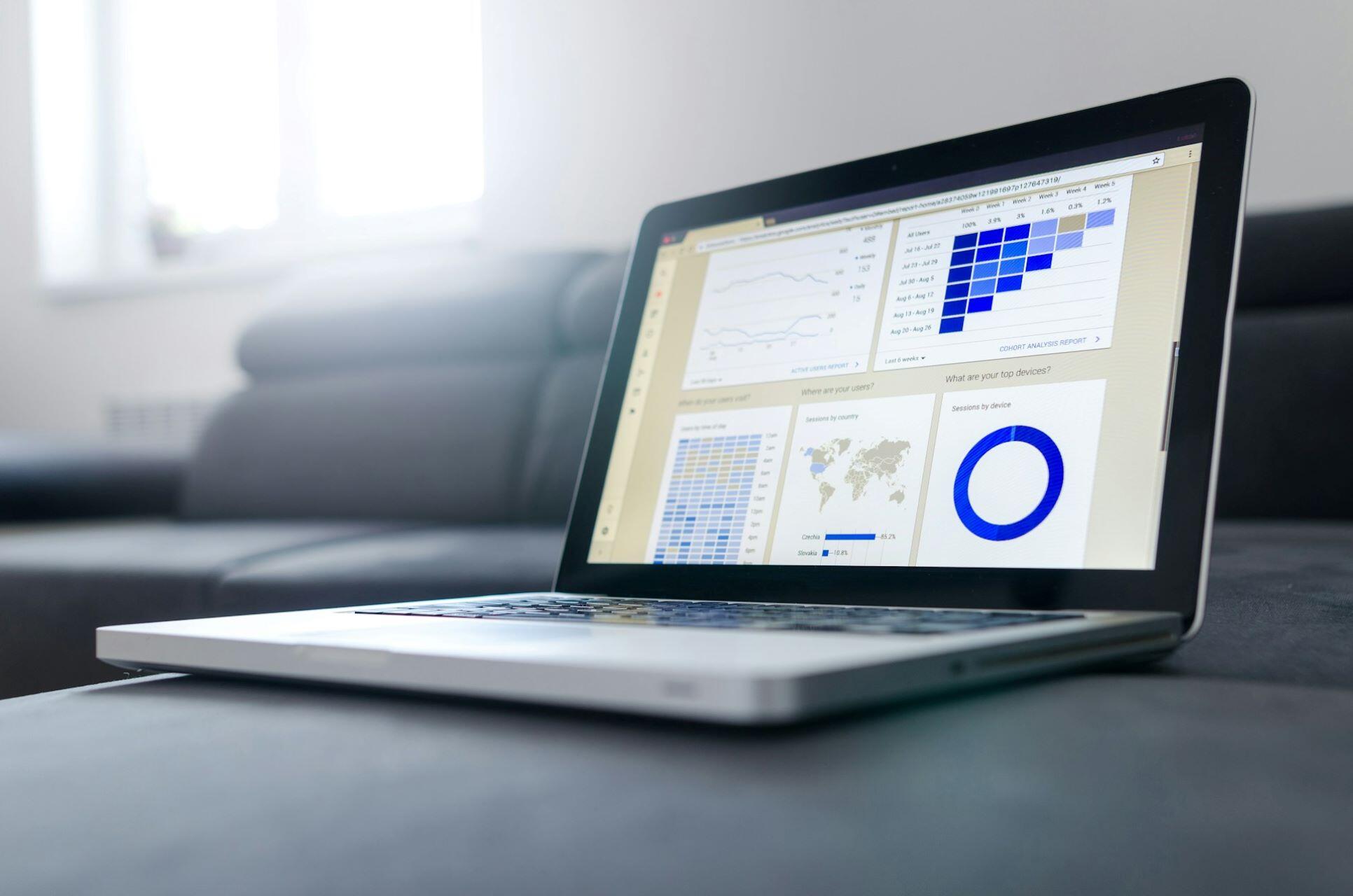
There are three plans offered to better organise small business accounting. Plans such as Essentials and Plus provide increasing levels of functionality, including invoicing, expense tracking, GST calculation, and financial reporting for New Zealand businesses, particularly those registered for GST. Some noteworthy features of the previously mentioned plans include free 24/7 technical support, easy setup and the option to cancel at any time.
Cloud-based accounting software allows businesses to connect bank accounts automatically, capture receipts digitally, manage transactions in real time, and access financial dashboards from anywhere. Unlike manual bookkeeping, digital systems provide automatic backups, real-time data insights, and streamlined processes that accountants and business owners can manage efficiently. This makes monthly reporting, tax preparation, and client management far easier.
The Essentials plan includes many useful features, such as invoicing, expense tracking, payment handling, GST calculation, payroll management, and employee-related tax compliance, all suitable for New Zealand businesses. An excellent feature for those on the go is the automatic mileage-tracking service, which helps business owners increase their tax deductions. It's like having a bookkeeper in your pocket! Intuit QuickBooks is genuinely a lifesaver, saving people time from using other business accounting methods.
Sage Business Cloud Accounting: Digital Accounting Software for Growing Businesses
An industry leader that keeps clients coming back for more. Some impressive highlights of this accounting software include a neatly presented, easy-to-use interface, outstanding customer service, and a 30-day free trial available to all with no commitment. Sage caters to the needs of small business owners, accountants and bookkeepers, offering tiered accounting plans.
Features of their top accounting plan include modules for managing quotes and invoices, tracking GST, preparing reports to assist New Zealand businesses with their Inland Revenue obligations, smart bank fees, cash flow forecasting, detailed reports, currency support, and project tracking, though you might want to learn how to read a profit and loss sheet first. If Sage's top accounting plan is too advanced for your small business, there is a basic plan called Accounting Start that includes all the necessary features for those just starting in business. The Sage Business Cloud Accounting software can be used at home on your computer or on the go on your mobile device.

Bitrix24: Free Business Management Software with Invoicing Tools
Bitrix24 is a free business management and CRM platform that includes invoicing and financial tracking features. It is available in 12 languages and offers unlimited, attractive features, including leads, deals, contacts, companies, quotes, invoices, and appointment scheduling. There is documentation and webinars to train curious individuals about the CRM software. A useful free business management option for new small business owners who need basic invoicing and financial tracking features.
Many of the previously mentioned accounting software offer tutorials, technical support, and valuable tips for tracking bills, online invoicing, budgeting, and using the technology most effectively. Superprof also offers many tech-savvy tutors with prior knowledge of modern accounting techniques.
Advantages and Disadvantages of Using Accounting Software
Just like everything in life, there are pros and cons to using accounting software. No method or software is perfect. Therefore, accountants, finance professionals, and small business owners need to keep an open mind and try as many accounting methods and software options as possible before deciding on the one that best suits them. It helps to learn about double-entry bookkeeping and accounting principles before you start considering which software is right for you.
The best accounting software for small business depends on your needs, pricing expectations, and level of financial complexity. Some businesses need unlimited invoices and automatic bank reconciliation, while others simply need an affordable digital solution to track income and expenses. Consider whether you require payroll, GST support, multi-user access, dashboard reporting, or integration with accountants before choosing a plan.
To help business owners and those working in the finance industry make an informed decision about whether to stick with paper books or switch to digital, we will consider the advantages and disadvantages of using accounting software. It is important to note that the following observations are from professionals who have taken the time to try new accounting software and have provided interested readers with unbiased assessments.

Here are a few advantages of using accounting software:
- Increased Efficiency and Speed: Using accounting software makes simple tasks such as creating an invoice, managing inventory, or keeping track of the general ledger more efficient. Even the most labour-intensive and challenging accounting processes can be automated using accounting software. All accounting-based planning becomes faster. Statements and reports can be completed on a couple of clicks, which pleases clients and employers.
- Easily accessible information: Using web-based accounting software makes it simple for others to access accounting information outside the workplace. Small business owners can also create invoices and register daily expenses on the spot with an accounting software on their mobile phone,
- Backup all your information: automated accounting lets you manually enter your essential accounting information and back it up for future reference. Keeping a printed copy of all your account transactions and a parallel backup is exceptionally possible with accounting software, and not with manual accounting.
There are many more advantages of accounting software that can be discussed. However, the previously mentioned benefits are the most frequently appreciated characteristics of online accounting tools.
As for the disadvantages of business accounting software, the following examples are the most recurrent annoyances of accounting professionals and small business owners:
- The Expense: whichever accounting software you decide to choose, it will always be more costly than a paper-based system. Online accounting systems need to be renewed monthly or yearly to continue accessing your financial information without interruption. It is important to note that a monthly subscription to one of the best online accounting software can be pricey,
- Implementation: manual records are much easier to set up and more adaptable than computerised accounting. It is also important to note that, to set up an accounting software system correctly, you will need help from an accountant or software provider, which can sometimes be quite costly and difficult to understand.
- Security and performance issues: While cloud-based accounting technology can be your best friend as a small business owner, many hackers are eager to steal your precious financial information. Cybersecurity issues are not the only problems; computer viruses and PC crashes can cause you to lose all the information you entered into the accounting software you are using.
Choosing to use accounting software is a choice that many individuals or corporations will have to make to bring their businesses to the 21st century.
| Software | Best For | Pricing Model | GST Support | Free Trial | Key Feature |
|---|---|---|---|---|---|
| FreshBooks | Freelancers & service businesses | Monthly subscription (tiered plans) | GST tracking & reporting | 30 days | Easy invoicing & time tracking |
| QuickBooks Online | Small businesses needing GST & payroll tools | Monthly plans (varies by features) | GST calculation & reporting | 30 days | Automatic bank feeds & mileage tracking |
| Sage Business Cloud Accounting | Growing businesses & multi-user teams | Tiered digital plans | GST tracking & reporting assistance | 30 days | Cash flow forecasting & detailed reports |
| Bitrix24 | Start-ups needing free business management tools | Free plan + paid upgrades | Basic financial tracking | Free plan available | CRM dashboard with invoicing |
Summarise with AI:
Did you like this article? Leave a rating!

 Loading...
